Every line.
One beautifully simple view.
Sign in to multiple extensions at once. See exactly which line is ringing and choose the right identity for every outgoing call.
Meet the phone that moves with work
One business extension across your browser and Android—ready at your desk, in your pocket, and everywhere between.
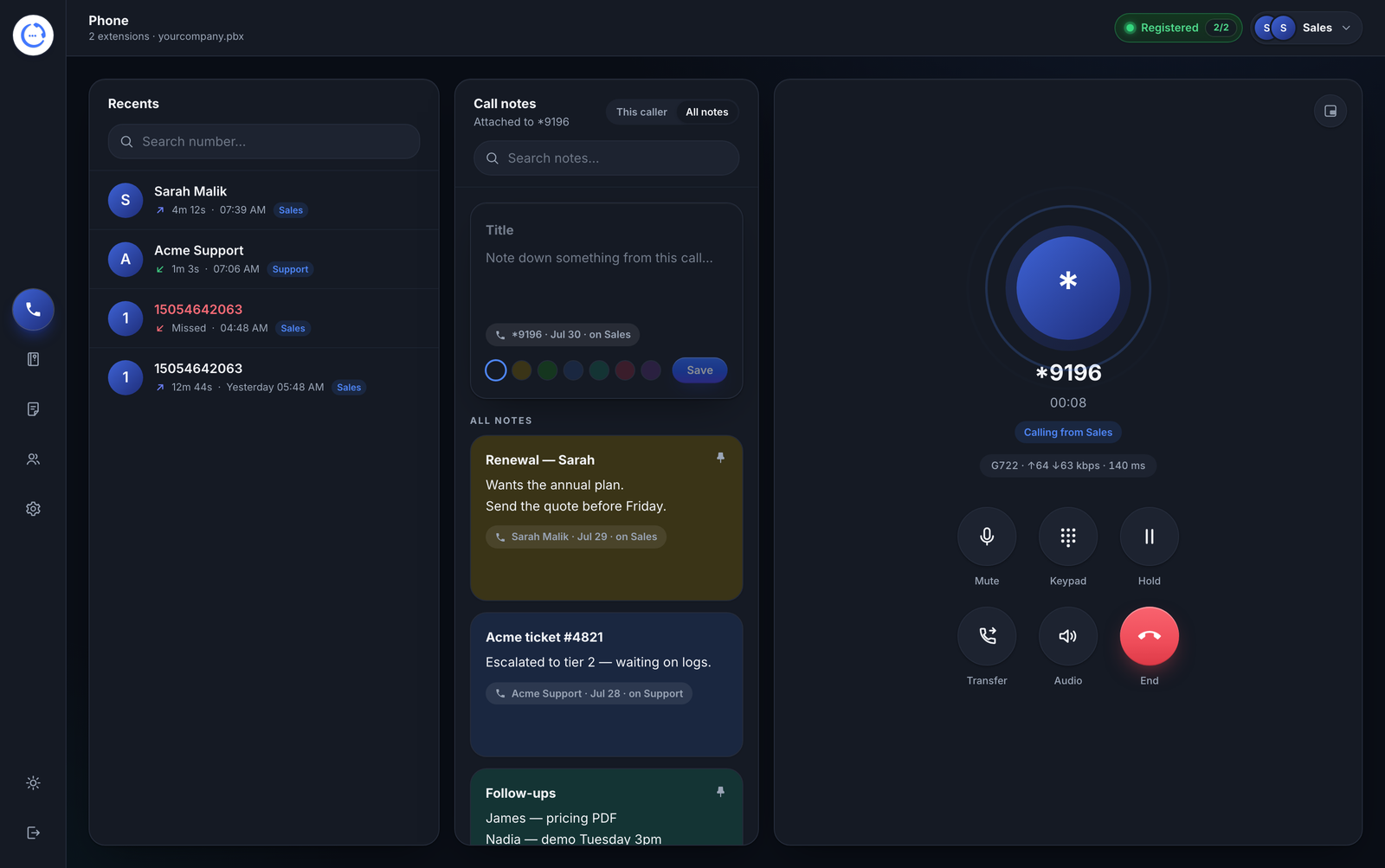
Wideband audio brings natural detail to every conversation. Echo cancellation, noise suppression, and automatic gain work quietly in the background—while live telemetry keeps quality visible.
OctaSIP turns a browser tab into a complete communications desk. Calls, contacts, notes, and quality controls come together in one focused workspace.
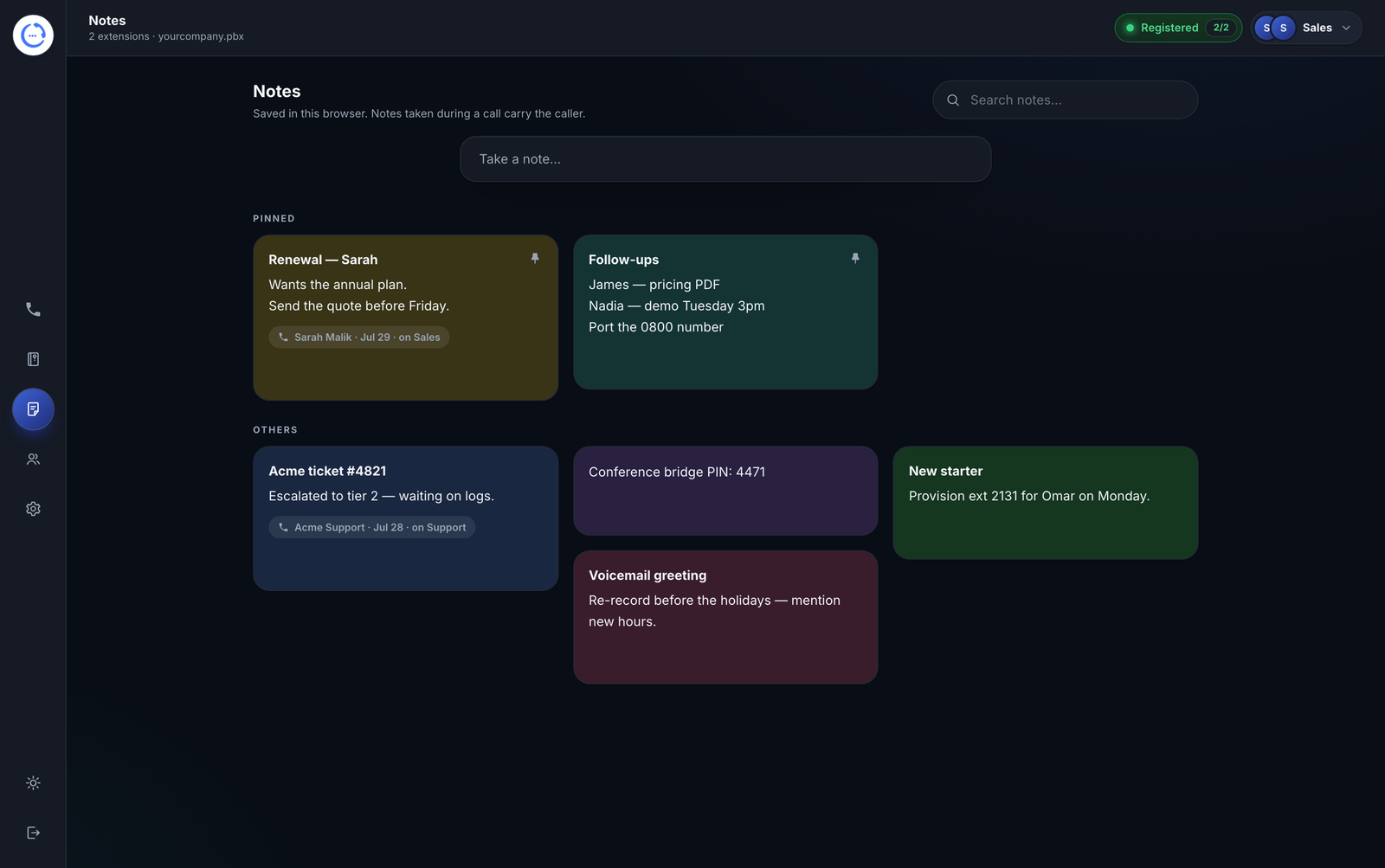
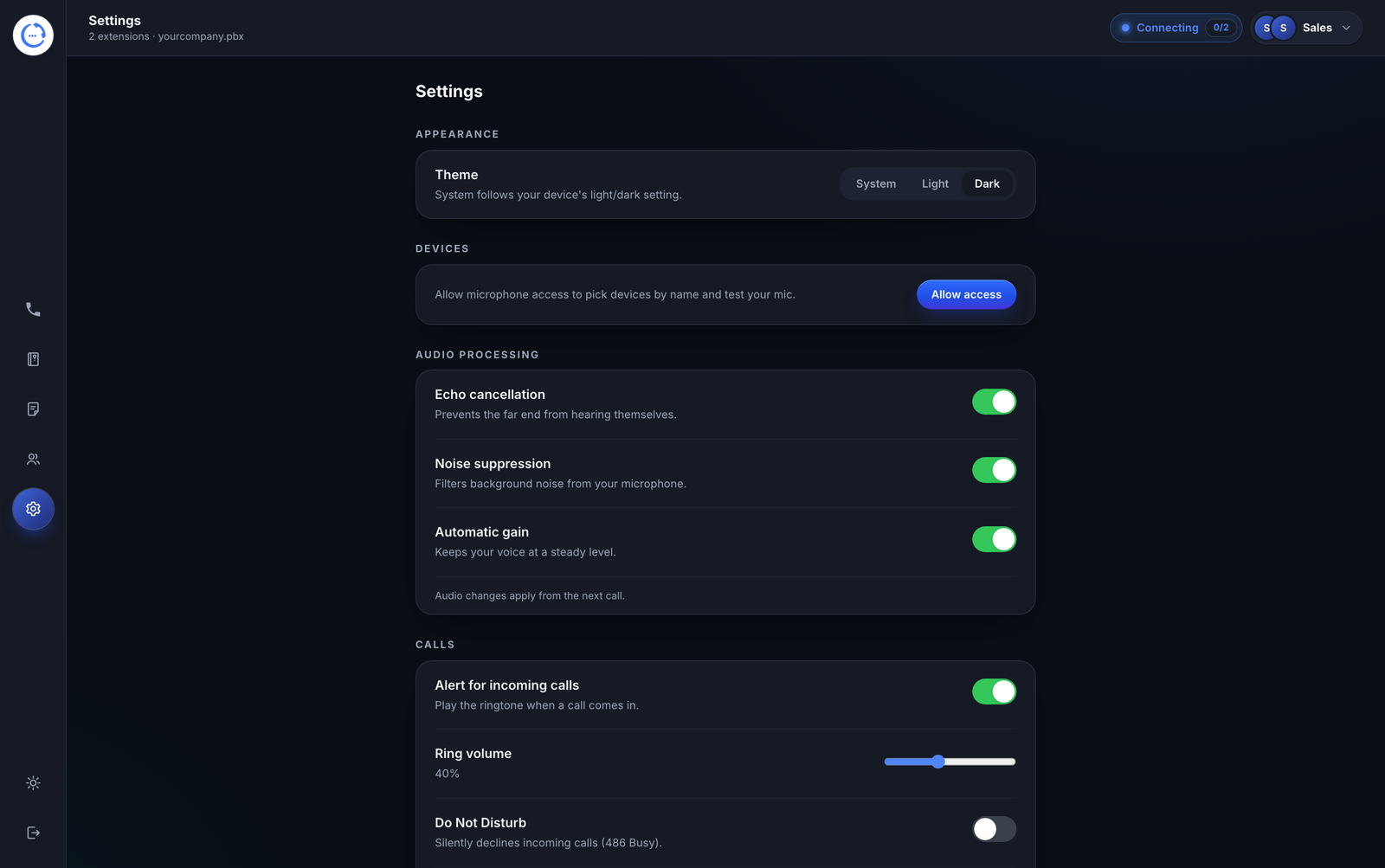
The things you reach for all day are faster, clearer, and always close at hand.
Sign in to multiple extensions at once. See exactly which line is ringing and choose the right identity for every outgoing call.
Capture what matters without losing the conversation.
Move to another tab and an always-on-top mini call stays with you—complete with mute, transfer, and end controls.
Live call intelligence makes troubleshooting immediate, not mysterious.
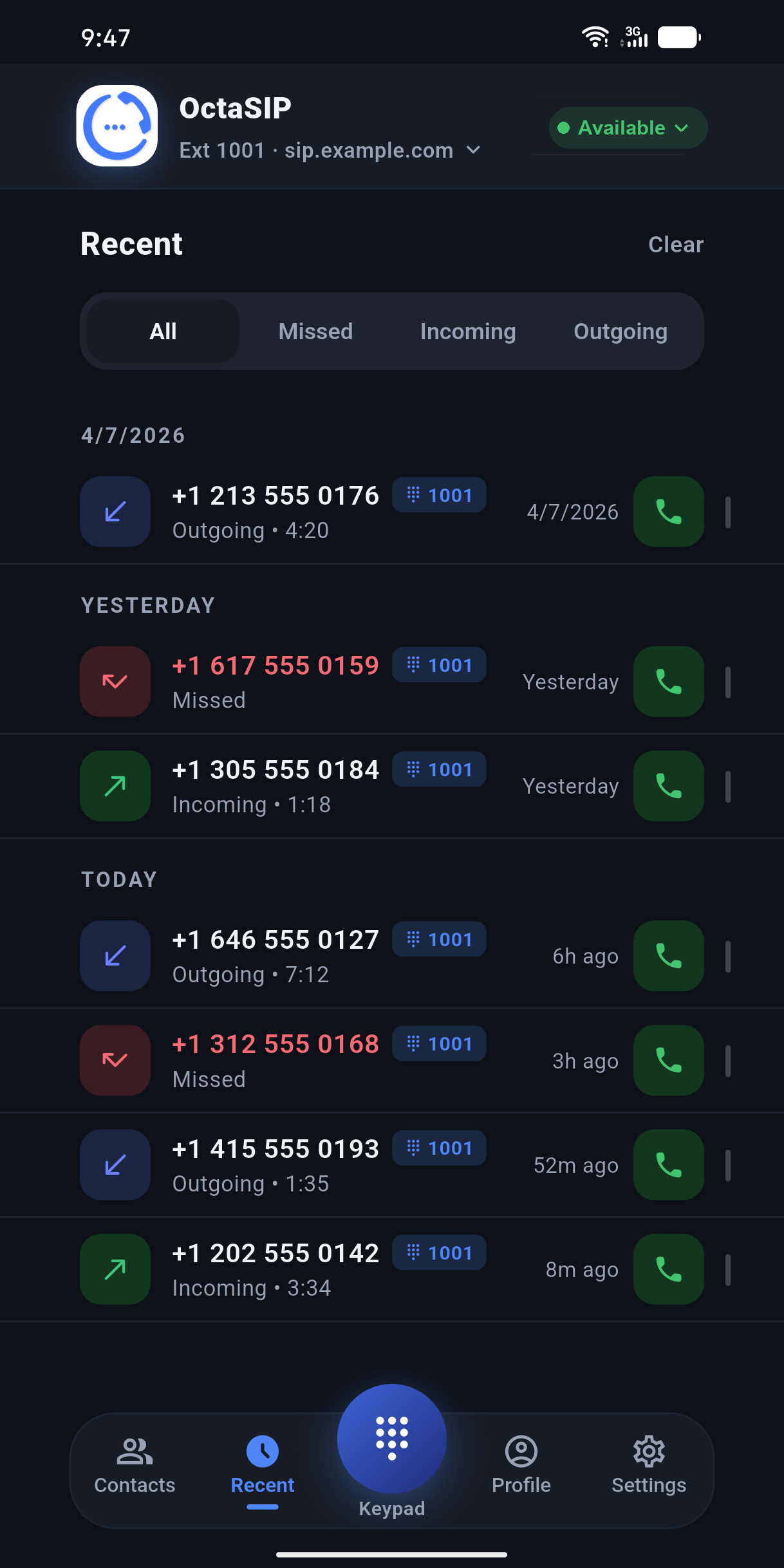
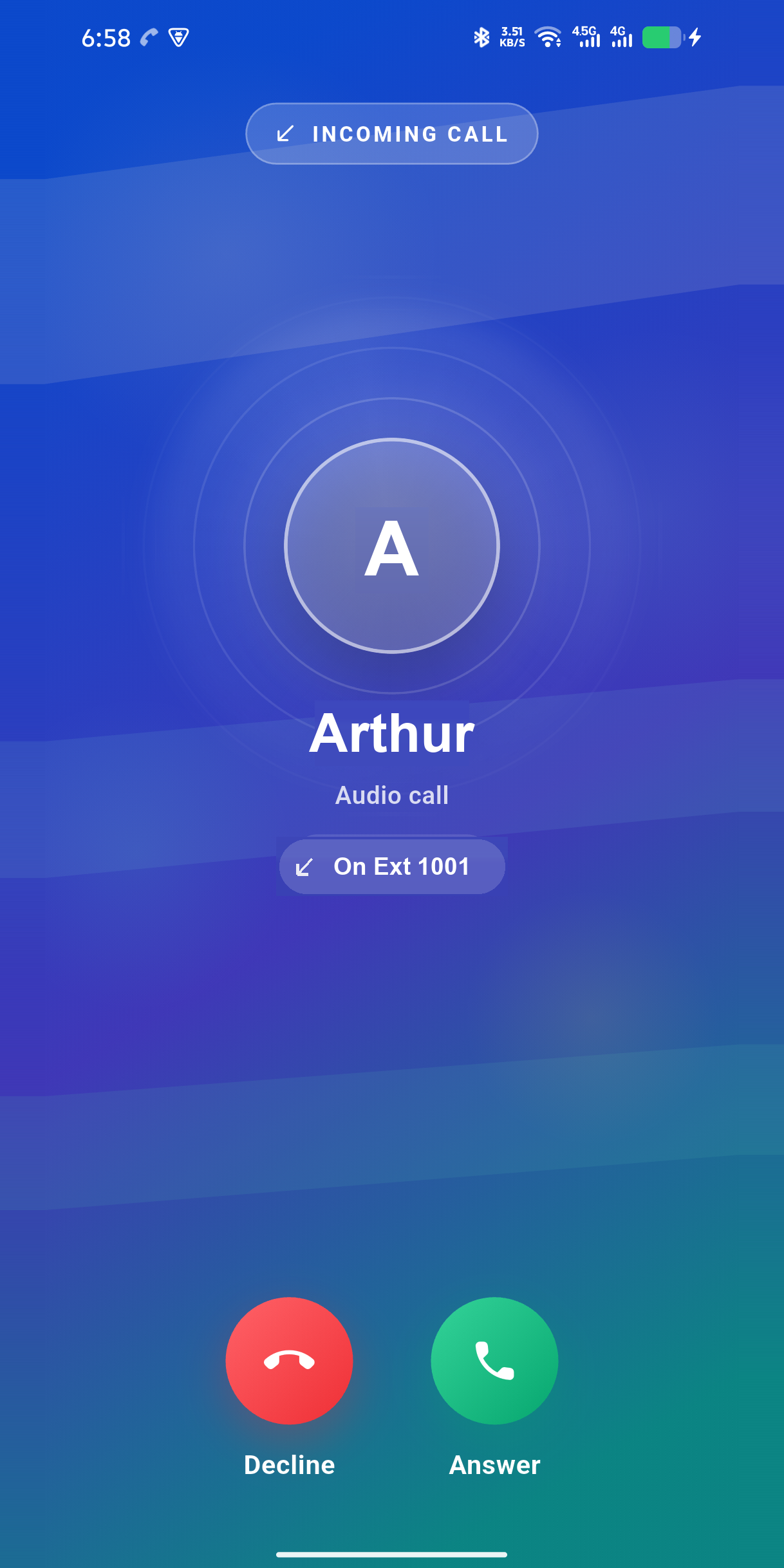
Web and mobile ring together. Answer at your desk or on the move, with the same extension and a native call experience built for Android.
Push-woken calls reach you even when Android has put the app to sleep.
SIP over TLS stays connected across mobile data, hotel Wi‑Fi, and filtered networks.
Full-screen incoming calls, proximity sensing, audio routing, and multiple accounts.

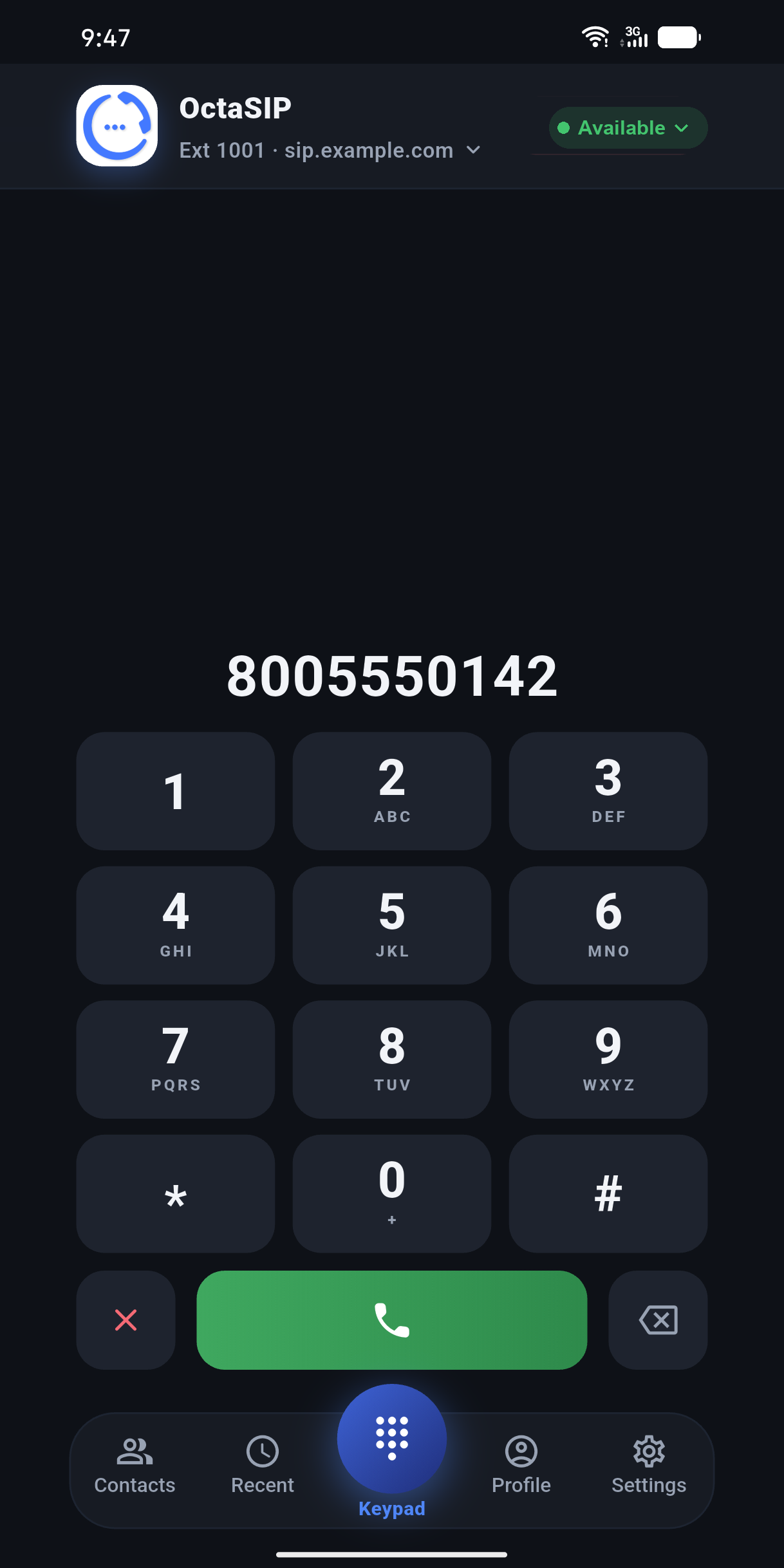
Security is part of the call path, not an add-on. Signaling is protected with TLS and browser media is encrypted with DTLS-SRTP from the moment a call connects.
Registration and call setup travel through an encrypted signaling channel.
Voice packets are protected with the same modern standards used by leading conferencing platforms.
See the active codec, bitrate, round-trip time, and packet loss for every call.
Leave during a call and OctaSIP closes the session cleanly—no abandoned calls.
OctaSIP connects to the SIP platform you already run. Use WebRTC directly, or bridge conventional SIP securely—without replacing your server or retraining your team.
One extension, available wherever work takes you.
Direct when available. Securely bridged when it is not.
FreeSWITCH, Asterisk, and standards-based SIP platforms.
No new desk hardware. No forklift migration. No change to how your extensions are provisioned.
Not for the web app. Open OctaSIP in a modern Chrome or Edge browser, sign in with your extension, allow microphone access, and start calling. The Android companion installs from Google Play.
OctaSIP uses standards-based SIP credentials. If your PBX supports WebRTC, the browser connects directly. Otherwise, a secure gateway can bridge WebRTC to conventional SIP without replacing your phone system.
Yes. Register the same extension in the browser and Android app and both can ring, so you can answer wherever you are. The browser can also register multiple extensions at once.
Call signaling uses TLS and browser media uses DTLS-SRTP. OctaSIP also exposes live quality information so codec, latency, bitrate, and packet loss are visible during the call.
OctaSIP monitors the media path and can recover when connectivity shifts. If a user intentionally leaves during a call, the app warns them and closes the session cleanly.
Bring a modern calling experience to the phone system you already trust.